By clicking “Accept All Cookies”, you agree to the storing of cookies on your device to enhance site navigation, analyze site usage, and assist in our marketing efforts. View our Privacy Policy for more information.
Create customer price tiers and set pricing rules for each customer. The right prices are applied automatically to reduce errors and simplify day-to-day management.
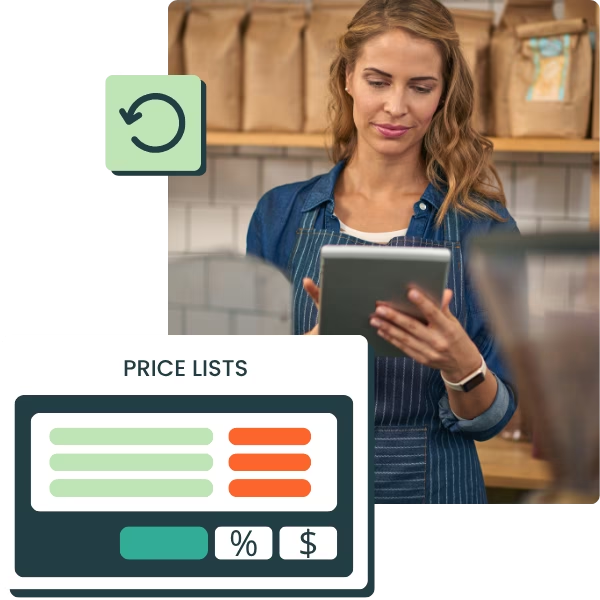
Price lists by customer category
Fixed or calculated pricing rules
Automatic volume or quantity discounts
The right prices applied automatically to sales documents
Automatically apply the right prices based on each customer and your pricing rules
Set up your pricing strategy
Centralize your price lists, customer categories and pricing terms to reduce errors
Manage advanced pricing rules
Adapt prices by customer, product, volume, period, point of sale or promotion
Simplify your sales and order management
Error margin reduced by up to 90%. 80% of current users report considerable time savings.
Assign the right price to each customer
Set a price level for each customer category. The price list is applied automatically to your estimates, sales orders, and invoices helping reduce pricing errors.
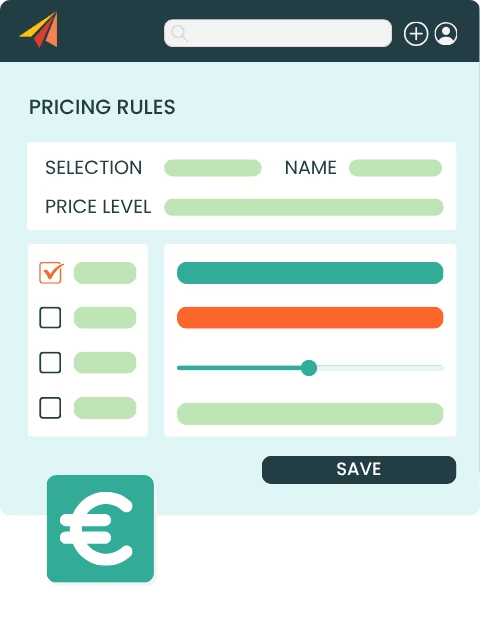
Apply the right price automatically in sales documents
Specific prices by customer, supplier, or price level
Import prices via CSV and update prices from a single page
Automate your pricing terms
Adapt your prices to every situation with pricing rules, without manually editing your sales documents.

Create fixed or calculated pricing rules
Apply them by product, variant, or price level
Set pricing conditions based on dates, currency, stock location or customer tiers
Prices adjusted automatically in sales and purchase documents
Automatically apply your discounts
Automatically adapt your prices to every situation with pricing rules.
Apply volume-based or quantity-based discounts
Conditions based on products, seasons, tags or periods
Percentage or fixed-amount discounts applied directly in sales documents
Manage commercial operations with more flexibility
Our customers manage their prices with Erplain
La mise à jour automatique du stock en fonction de la facturation est une fonctionnalité très pratique qui nous facilite la vie au quotidien.
Gaëtan Le Gall
Directeur Commercial, Monsieur Barbier
Le logiciel me permet de gérer les dates limites de consommation et de tracer chacun des lots. Ce processus réduit mon temps de gestion des stocks et facilite les réapprovisionnements.
Christophe
Back office manager, YOOM
Je peux enfin gérer mes stocks, mes achats et je gagne considérablement du temps. L'équipe technique est très présente pour vous aider à mettre en place le logiciel.
Laura D'Anna
Co-fondatrice de Loetma
Notre spécificité est de devoir suivre des numéros de lots et des dates de péremption dans différents lieux de stock et dépôt. Efficace, simple, intuitif, flexible... Erplain est idéal pour une TPE.
Vivien Hugues
Directeur Général, DimedCare
Price management FAQ
What is customer pricing management software?
Customer pricing management software, often part of a sales management system, lets you create, centralize and apply different price lists depending on customers, products, volumes or commercial terms. It helps businesses manage their prices without manually editing every quote, order or invoice.
Can I create several price lists in Erplain?
Erplain lets you create several price levels or pricing categories. For example, you can manage B2B, B2C, reseller, distributor or customer-specific prices.
Can I assign a price level to a customer?
Yes. You can assign a price level to each customer from their customer record. The matching price is then used automatically when creating sales documents.
Can I create pricing rules in Erplain?
Yes. Erplain lets you create pricing rules that automatically change a product's price based on certain conditions, such as the product, price level, period, product category or sale.
Can I manage volume discounts?
Erplain lets you create discount rules that trigger automatically when a set volume or quantity is reached. These discounts can be applied as a fixed amount or a percentage.
Can I import or update several prices at once?
Yes. You can update several prices from a dedicated page or import your prices from a CSV or Excel file, which is especially useful for managing complex price lists.