By clicking “Accept All Cookies”, you agree to the storing of cookies on your device to enhance site navigation, analyze site usage, and assist in our marketing efforts. View our Privacy Policy for more information.

Create stock counts faster

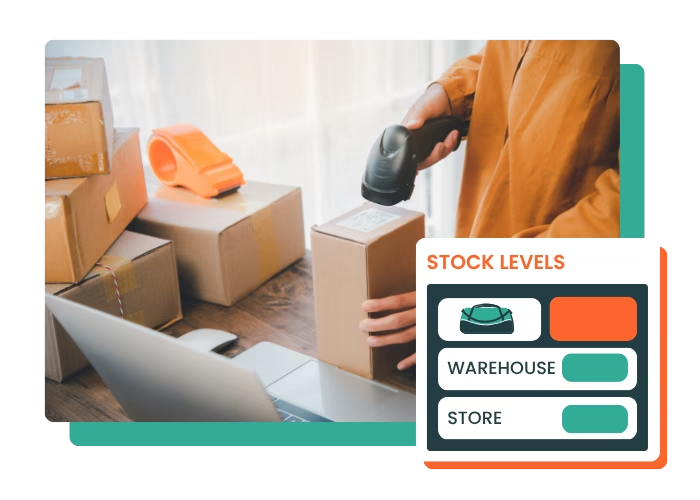
Full or partial stock counts become quick and easy with Erplain. Count your items, or scan the products in stock with your phone or a barcode scanner.
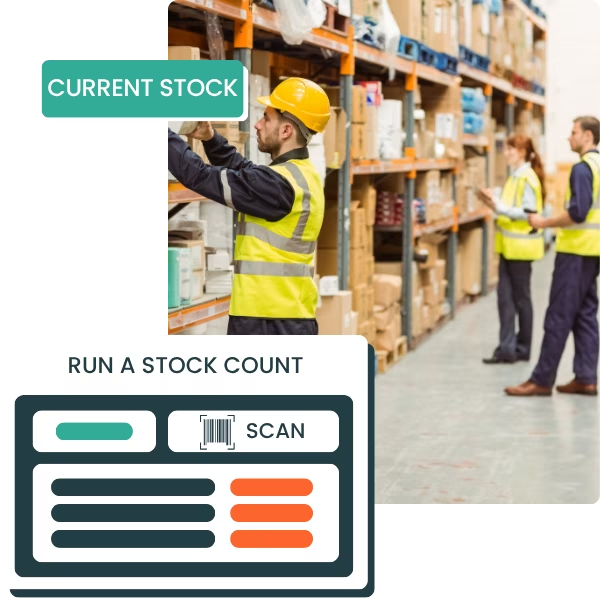

  • Full or partial stock counts, with barcodes or manually
  • Compare current stock and counted stock in a few clicks
  • Team stock counts synced in real time
  • Flexible counting: start now, finish later
BOOK A DEMOSTART YOUR FREE TRIAL
check_circle
Aucune carte de crédit requise
check_circle
14 jours d'essai gratuit
Run a stock count

1,000+ SMBs have achieved growth with Erplain

Olio di Serra logo
Aremi logo
Civeco logo
Le beret francais logo
Olio di Serra logo
Aremi logo
Civeco logo
Le beret francais logo
Automatisation icon

Save time on stocktaking

Scan your items, enter counted quantities or import your stock count files to speed up counting

Barcode icon

Reduce inventory errors

Compare theoretical quantities with the stock physically counted and quickly identify variances that need to be corrected.

Setup icon

Manage with reliable data

Approve your inventory adjustments to get more accurate stock data every day and make decisions faster
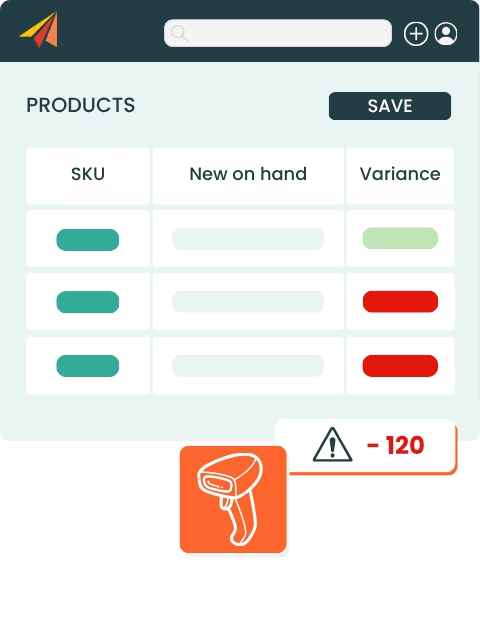
Compare current stock and physical count

Compare current stock and physical count quantities

With Erplain, your stock counts start from a reliable baseline. You gain accuracy without making checks heavier or slowing your teams down.
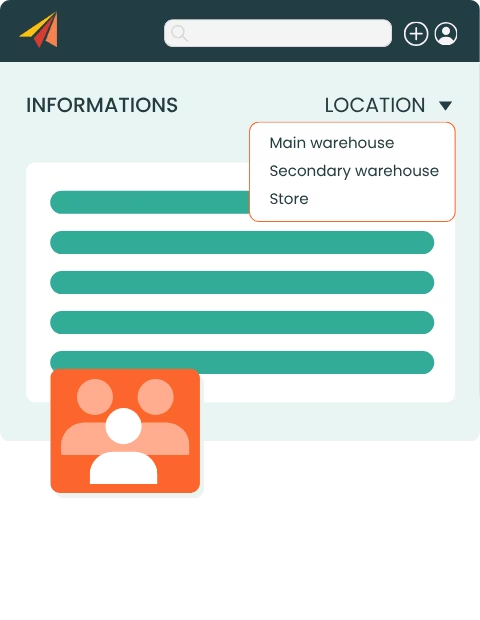
  • Stock snapshot recorded when the stock take starts
  • Comparison between current stock and physical count quantities
  • Quick identification of stock discrepancies
Start a stock count now, finish later

Start a stock take, finish it later

This flexibility lets you run stock counts without interrupting operations, especially for cycle counts or partial counts.

  • Save stock counts while they are still in progress
  • Stop and resume your counting later
  • Finalize the count whenever you want
  • Reduce pressure on teams during busy periods

Our customers count their stock with Erplain

Quote icon
Le logiciel me permet de gérer les dates limites de consommation et de tracer chacun des lots.
Ce processus réduit mon temps de gestion des stocks et facilite les réapprovisionnements.
Christophe
Back office manager, YOOM
Yoom photo
Quote icon
Je peux enfin gérer mes stocks, mes achats et je gagne considérablement du temps. L'équipe technique est très présente pour vous aider à mettre en place le logiciel.
Laura D'Anna
Co-fondatrice de Loetma
Photo Loetma
Quote icon
Notre spécificité est de devoir suivre des numéros de lots et des dates de péremption dans différents lieux de stock et dépôt.
Efficace, simple, intuitif, flexible... Erplain est idéal pour une TPE.
Vivien Hugues
Directeur Général, DimedCare
Dimedcare in a lab photo

Stock count software FAQ

What is stock count software?
Stock count software helps businesses manage stocktaking, compare theoretical quantities with physically counted quantities, and adjust stock variances. It helps companies keep their inventory data accurate without managing stock counts in separate spreadsheets.
Can I create a full stock count with Erplain?
Erplain lets you do a full stock count to check all your inventory. You can compare the quantities recorded in the software with the quantities counted by your teams, then approve the necessary stock adjustments.
Can I run a partial stock count?
Yes, you can do a partial count on a selection of products, a product family, a bin location or a warehouse. This lets you regularly check certain stock areas without stopping all operations.
How does Erplain manage stock discrepancies?
When a stock count is started, Erplain records a stock snapshot. The quantities physically counted are then compared with current stock to identify discrepancies and make the required stock adjustments.
Can I scan barcodes during a stock count?
Yes. Erplain lets you identify items using a barcode scanner or a smartphone. This saves time during physical counts and reduces item selection errors.
Can I import a stock count from Excel or CSV?
You can import CSV or Excel files to update your quantities. This is useful if your teams work from spreadsheets or if counting is done somewhere with little or no internet connection.
Does Erplain support multi-warehouse stock counts?
Yes. Erplain tracks stock across several storage locations. You can organize your stock counts by warehouse, by bin location or by product selection, depending on how your business is organized.

For more information about Erplain, please visit our Help Center or send us a message.

Discover All Our Features

Inventory logoB2B Store logoAnalytics logoPurchase logoBarcode icon

And app integrations

Intuit QuickBooks logo2020INC logoThe Paak logo

Try Erplain for free

Manage inventory, sales, and purchasing in one place and make informed decisions to improve profitability.
Start FREE Trial
check_circle
Aucune carte de crédit requise
check_circle
Sans engagement
time icon
Save time, drive efficiency
Collaboration icon
Collaborate with your team
star icon
Improve customer satisfaction
support icon
Get expert assistance from our product team
lock icon
Keep your data safe and secured