




By clicking “Accept All Cookies”, you agree to the storing of cookies on your device to enhance site navigation, analyze site usage, and assist in our marketing efforts. View our Privacy Policy for more information.
APP INTEGRATION

Connect HubSpot to your sales, purchases, and inventory

Save time: track your deals in HubSpot and automatically create your sales documents in Erplain. You can also take advantage of Erplain’s advanced features, including complex pricing rules, manufacturing, batch tracking, and much more.
ESSAYER GRATUITEMENT
Intégration HubSpot et Erplain
Erplain X HubSpot

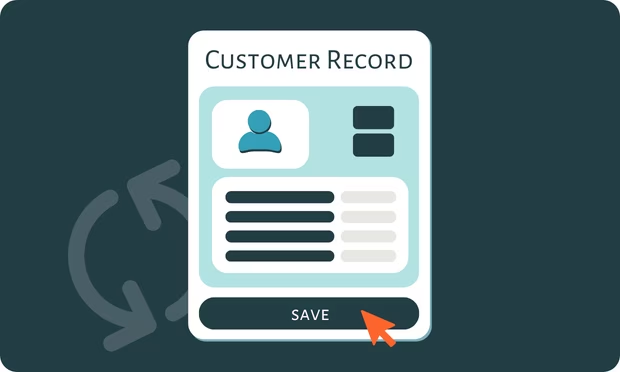
Real-time synchronization

Installation Guide

Keep your deals organized and on track

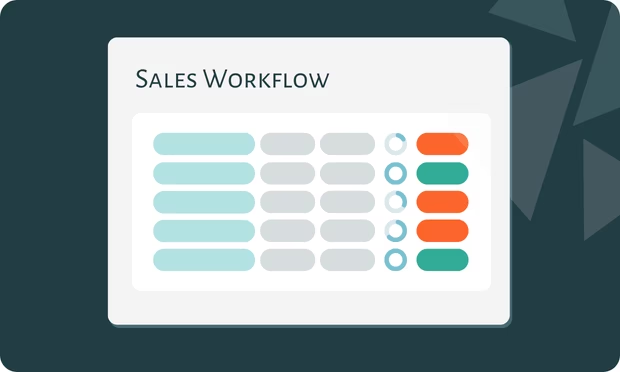
  • Organize your deals in HubSpot pipelines and track their progress through every stage.
  • View the contacts, companies, and products associated with each deal.
  • Identify deals that need follow-up and plan your next sales activities.

Automate sales document creation

  • Automatically create sales documents from your HubSpot deals.
  • Continue processing your sales in Erplain: sales orders, shipping orders, and invoicing.
  • Documents associated with deals marked as lost in HubSpot are automatically canceled in Erplain.

Access key business information without leaving HubSpot

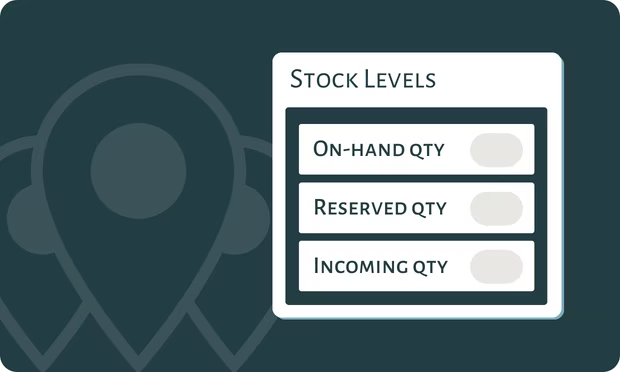
  • View your total inventory or inventory by location when creating deals in HubSpot: on-hand, available and incoming stock.
  • Prepare sales proposals using information updated in real time.
  • Get the answers your customers need on your own, with less time spent searching for information or asking colleagues.

‍

Questions fréquentes

Who is the HubSpot × Erplain integration for?
The integration is designed for SMBs that want to connect their sales pipeline with sales and inventory management, including wholesalers, distributors, brands, and manufacturers. It works for Erplain users looking to organize their deal tracking, as well as HubSpot users who need an order and inventory management solution connected to their CRM.
What happens when a deal is marked as lost in HubSpot?
The corresponding document is automatically canceled in Erplain, keeping your sales records aligned with your deal statuses in HubSpot.
What Erplain information can I view in HubSpot?
You choose which Erplain information to display in HubSpot through embedded app cards, such as total stock levels, stock by location, orders awaiting shipment, and overdue invoices. This gives you access to the information you need to manage sales and customer relationships without leaving your CRM.
What information syncs between HubSpot and Erplain?
The integration syncs contacts, companies, deals, and products in real time.
How are sales documents created in Erplain?
When a deal is marked as won in HubSpot, a sales document is automatically created in Erplain. The document type depends on the pipeline used. You can link different pipelines to different document types to match your sales process.

Pour plus d'informations concernant la connexion de cette application avec Erplain, veuillez consulter notre Centre d'Aide ou nous envoyer un message.

Discover All Our Features

Inventory logoB2B Store logoAnalytics logoPurchase logoBarcode icon

And app integrations

Intuit QuickBooks logo2020INC logoThe Paak logo

Why Choose Erplain?

Erplain provides small businesses with a reliable solution for long-term management success.
Try for free
check_circle
No credit card required
check_circle
Cancel any time
time icon
Save time, drive efficiency
Collaboration icon
Collaborate with your team
star icon
Improve customer satisfaction
support icon
Get expert assistance from our product team
lock icon
Keep your data safe and secured