By clicking “Accept All Cookies”, you agree to the storing of cookies on your device to enhance site navigation, analyze site usage, and assist in our marketing efforts. View our Privacy Policy for more information.
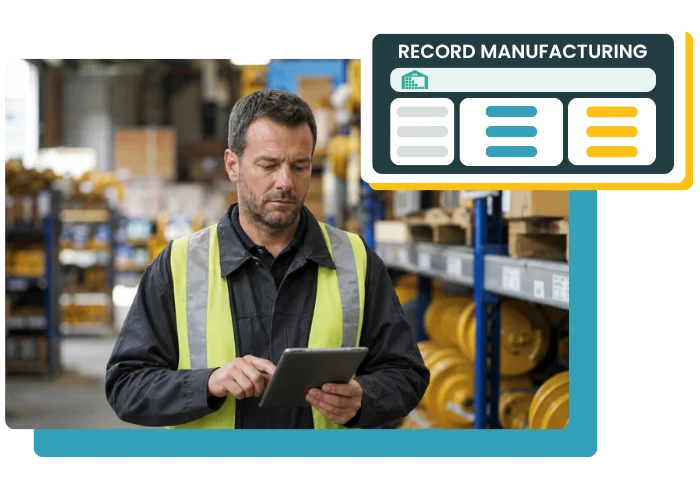
Create manufacturing orders in Erplain, track the required components, and turn them into finished products. Your Bills of Material (BOMs), routings, and inventory are centralized in one tool, giving you better control over your manufacturing operations.
Base your manufacturing operations on clear BOMs to identify the required components and the quantities to use
Keep inventory up to date
Track consumed components, manufactured finished products, and available quantities after each manufacturing order
Structure your operations
Organize your manufacturing with routings that match your processes: pre-production, production, post-production, or outsourced steps
Manufacturing
Turn components into finished products
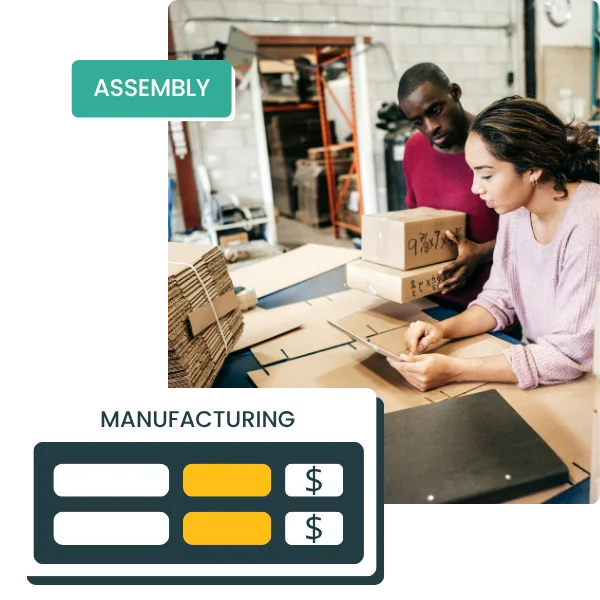
Create assembled products from components already in your inventory. Track what is used, what is manufactured, and what remains in stock, without juggling separate files or losing visibility between inventory, assembly, and sales.
check_circle
Manufacture finished products from components
check_circle
Manage assembled products in your product catalog
check_circle
Organize manufacturing using BOMs and routings
check_circle
Get a more reliable view of production-related inventory
MANUFACTURING ORDERS
Launch and track your manufacturing operations
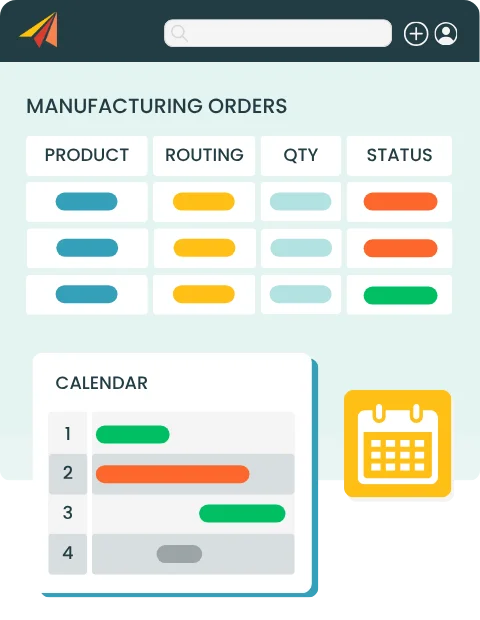
With Erplain, your manufacturing orders structure each production run: the product to manufacture, required components, steps to follow, and deadlines. You keep a clear view of what is used and what enters inventory, even when part of the process is outsourced.
Select the associated Bill of Material and routing
check_circle
Track statuses, deadlines, and produced batches
check_circle
Manage production across multiple batches
BILLS OF MATERIAL (BOMs)
Define the required components
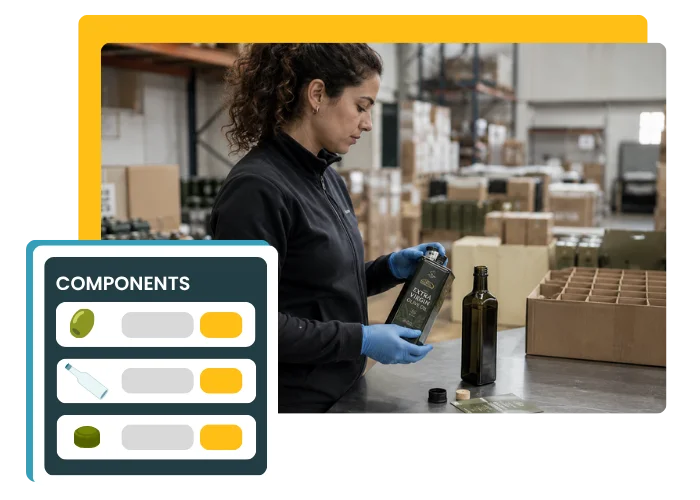
BOMs let you define the components needed to manufacture a finished product. They work like a recipe: each component is assigned a specific quantity to produce one unit of the assembled product.
check_circle
Create BOMs for your finished products
check_circle
Use multiple BOMs for the same product
check_circle
Better prepare manufacturing and assembly operations
check_circle
Track used components more reliably
ROUTINGS
Structure your manufacturing steps
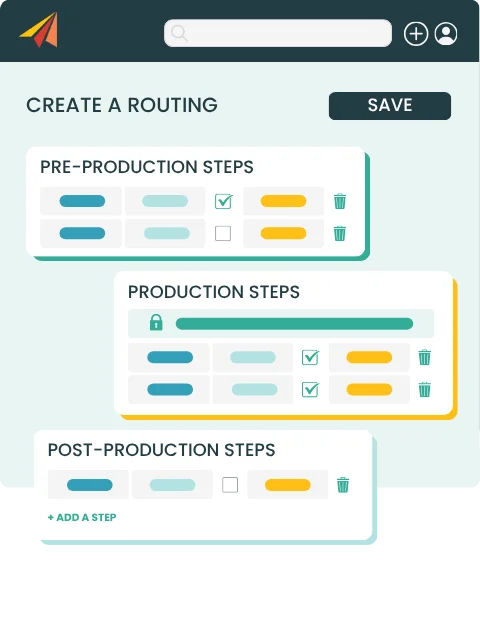
Routings help you organize the different steps required to manufacture your assembled products: pre-production, production, post-production, and more. This makes it easier to standardize your processes.
check_circle
Create manufacturing routings
check_circle
Set required or optional steps based on your needs
check_circle
Track the manufacturing process more clearly
check_circle
Manage steps assigned to subcontractors
Erplain helps us stay in control of our entire chain: we produce, import, bottle, label, pack, and then ship by parcel or pallet.
Dorian Tota
Founder of Olio Di Serra
Manufacturing Management Software FAQ
What is a manufacturing order?
A manufacturing order, also known as a production order, is used to launch and track the manufacturing of a finished product from components. It includes the product to manufacture, planned quantities, the Bill of Material (BOM) used, the associated routing, and the production steps.Stock count software helps businesses manage stocktaking, compare theoretical quantities with physically counted quantities, and adjust stock variances. It helps companies keep their inventory data accurate without managing stock counts in separate spreadsheets.
What is a Bill of Material (BOM)?
A Bill of Material (BOM) is the list of components needed to manufacture a finished product. It specifies the products used and the quantities required to produce one unit of the assembled product.
What is a routing?
A routing describes the steps required to manufacture a product. It can include pre-production, production, and post-production steps, with required or optional steps.
Can assembled products be managed in Erplain?
Yes. Erplain lets you create assembled products from components already in your inventory. Finished products and their components remain tracked in your product catalog.
What is the difference between a Bill of Material and a routing?
A Bill of Material (BOM) defines the components needed to manufacture a finished product. A routing describes the steps to follow to complete the manufacturing process.
Does Erplain update inventory after manufacturing?
Yes. Erplain tracks the components used and the finished products created, helping you keep inventory levels consistent after each manufacturing operation.
Can production be completed in multiple batches?
Yes. A manufacturing order can be completed in multiple batches. This lets you record produced quantities progressively and track the progress of the manufacturing order.