By clicking “Accept All Cookies”, you agree to the storing of cookies on your device to enhance site navigation, analyze site usage, and assist in our marketing efforts. View our Privacy Policy for more information.
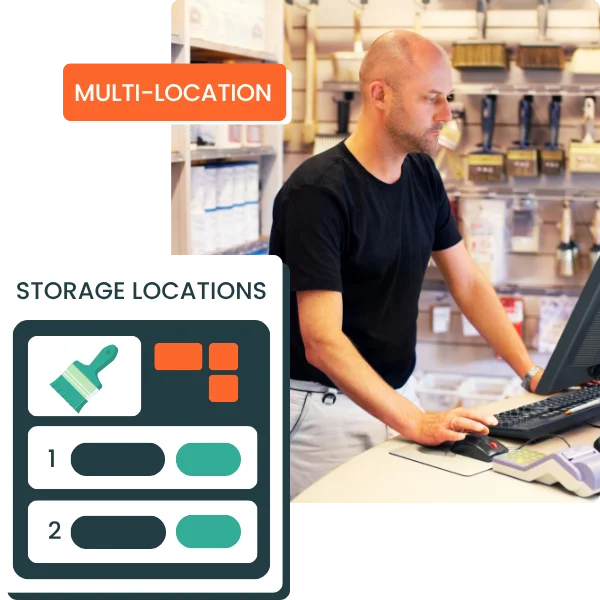
Track stock levels by warehouse, store, depot, or logistics site. With Erplain, you centralize your quantities, stock movements, purchases, and sales while keeping a clear view of each storage location.
Centralize all your sites in one tool to track inventory without relying on multiple spreadsheets.
check_circle
Multi-location inventory tailored to your organization: main warehouse, secondary warehouse, store, office, truck, or event stock.
check_circle
Quickly identify the right inventory location when creating sales or purchase documents.
check_circle
Associate an address with each storage location
Multi-location inventory
Track stock levels by location in real time
With Erplain, your teams can quickly see where products are available, which quantities can be sold, and which locations need replenishment. You make better sales, and purchasing decisions.
check_circle
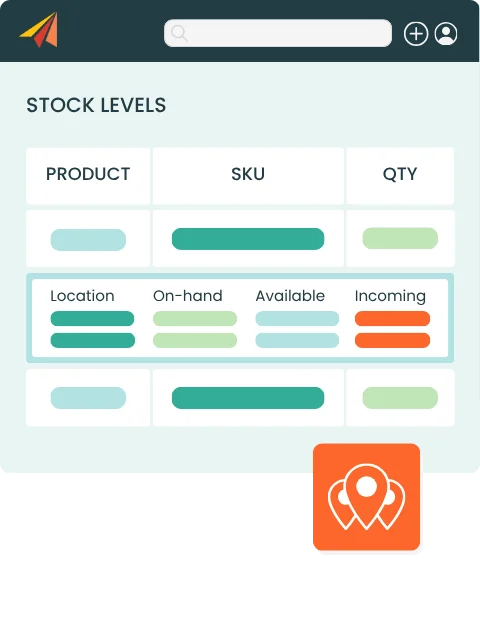
Inventory tracking by product, by location and overall totals for a real-time global view
check_circle
Full visibility into on-hand, available, reserved, and incoming inventory
check_circle
One-click stock transfers between locations
check_circle
Set reorder points by storage location
MULTI-WAREHOUSE sales orders
Ship orders from multiple storage locations
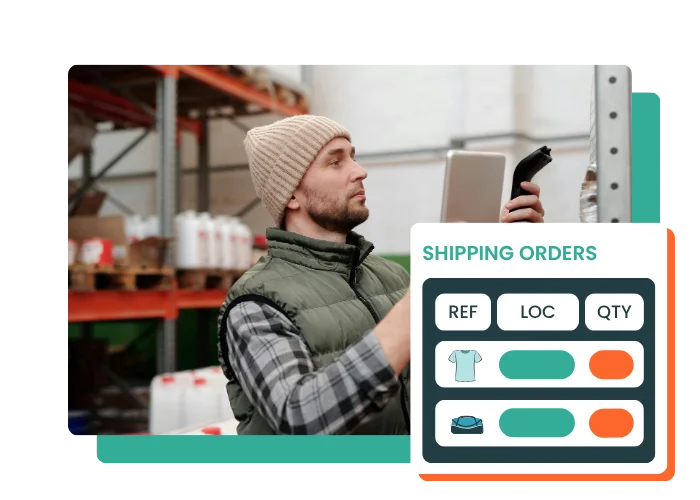
With Erplain, you can ship each product from the location where it is available, even when a single order involves multiple warehouses, stores, or depots. You gain more logistics flexibility while keeping stock levels accurate after each shipment.
check_circle
Ship a single sales order from multiple storage locations
Automatically deduct inventory from the location that ships the product
Our specific need is to track batch numbers and expiration dates across different stock locations and depots. Efficient, simple, intuitive, flexible... Erplain is ideal for a small business.
Vivien Hugues,
General Manager, DimedCare
Multi-Warehouse Inventory Management FAQ
What is multi-warehouse inventory management?
Multi-warehouse inventory management consists of tracking and managing inventory across multiple locations, such as warehouses, stores, depots, offices, or temporary sites. It helps you know which quantities are available at each location and organize sales, purchases, transfers, or shipments accordingly.
Can I manage multiple storage locations in Erplain?
Yes. Erplain lets you create multiple storage locations to track inventory by warehouse, store, depot, or logistics site. Each location can be used in your sales, purchases, stock movements, and documents.
Can I view available stock by storage location?
Yes, Erplain lets you view stock levels by product and storage location. You can track on-hand, available, reserved, and incoming inventory based on the way your business is organized.
Can I transfer inventory between multiple locations?
Yes, Erplain lets you create stock movements between storage locations. This helps you rebalance quantities between warehouses, stores, or depots.
Can I ship an order from multiple storage locations?
Yes, Erplain lets you ship products from the same order from multiple storage locations. You can create several shipping orders or select a different storage location for each product line.
Can I set reorder points by storage location?
Yes, you can define reorder points for your products by storage location. Erplain can alert you when stock levels fall below the defined threshold or when a product is out of stock.