By clicking “Accept All Cookies”, you agree to the storing of cookies on your device to enhance site navigation, analyze site usage, and assist in our marketing efforts. View our Privacy Policy for more information.
With Erplain, your purchase orders are directly connected to your products, suppliers, and inventory. You avoid separate spreadsheets, manual tracking, and discrepancies between products ordered, received, and available.
Create purchase orders faster and avoid re-entering information between products, and purchasing documents
Plan restocking
Track quantities ordered before they are received to better plan purchases and reduce stockouts
Keep inventory accurate
Ordered products remain in incoming stock until they are received, so your available stock is not updated too early
REPLENISHMENT
Prepare purchase orders based on your needs
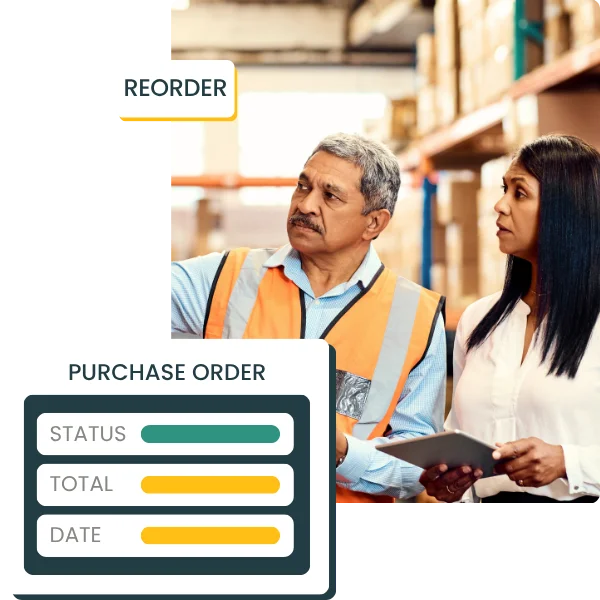
Purchase orders help you formalize supplier purchases and replenish your products. Reordering at the right time and in the right quantities helps you avoid both stockouts and overstocking.
check_circle
Create purchase orders based on reorder thresholds
check_circle
Track incoming stock based on stock levels
check_circle
Improve tracking between products to order, products expected, and products received
PURCHASE ORDERS
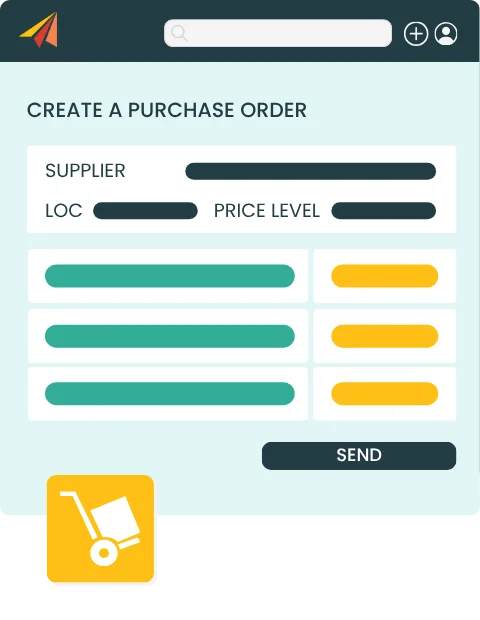
Create supplier purchase orders faster
With purchase orders, you can order from suppliers in just a few clicks. In Erplain, information saved in the supplier profile, such as address, currency, or taxes, can be filled in automatically. You simply select the supplier and add the products to order.
check_circle
Automatically fill in supplier information
check_circle
Add supplier notes and internal notes
check_circle
Generate the purchase order as a PDF
check_circle
Send purchase orders by email directly from Erplain
check_circle
Duplicate an existing purchase order
PURCHASE ORDER TRACKING
Track orders through receipt
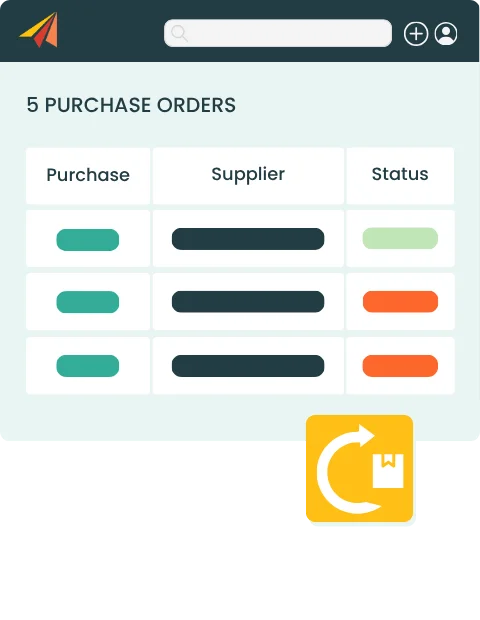
With Erplain’s purchase order dashboard, you keep a clear view of ongoing purchases and products still expected. You can quickly identify orders to follow up on, partial receipts, and suppliers that need to be contacted.
check_circle
Purchase order dashboard
check_circle
Filters by status, supplier, date, or document
check_circle
Create partial or complete purchase receipts
check_circle
Update available stock after receipt
check_circle
Order statuses: draft, active, delivered or partially delivered
Erplain simplifies our purchasing process thanks to the replenishment feature built directly into purchase orders. This helps us optimize our costs.
Loïck Pavese,
Co-founder of LP Technologie
PURCHASE ORDER SOFTWARE FAQ
What is a purchase order?
A purchase order, or PO, is a document used to place an order with a supplier. It usually includes the products ordered, quantities, prices, supplier information, and purchasing terms.
Can I create purchase orders in Erplain?
Yes. Erplain lets you create purchase orders, add products to order, generate a PDF, and email the document directly from the platform.
Does a purchase order update available stock?
No. Creating a purchase order does not add products to available stock. Quantities are first shown as incoming stock, then become available after receipt.
Can I create a purchase receipt from a purchase order?
Yes. You can create a purchase receipt from a purchase order to record the products actually received. Receipts can be partial or complete.
Can I track purchase orders by status?
Erplain lets you track purchase orders by status: draft, active, delivered or partially delivered.
Can I email a purchase order to a supplier?
Once the purchase order is created, you can generate a PDF and email it directly from Erplain.
Can I duplicate a purchase order?
Yes. Erplain lets you duplicate an existing purchase order to create a similar order faster.