By clicking “Accept All Cookies”, you agree to the storing of cookies on your device to enhance site navigation, analyze site usage, and assist in our marketing efforts. View our Privacy Policy for more information.
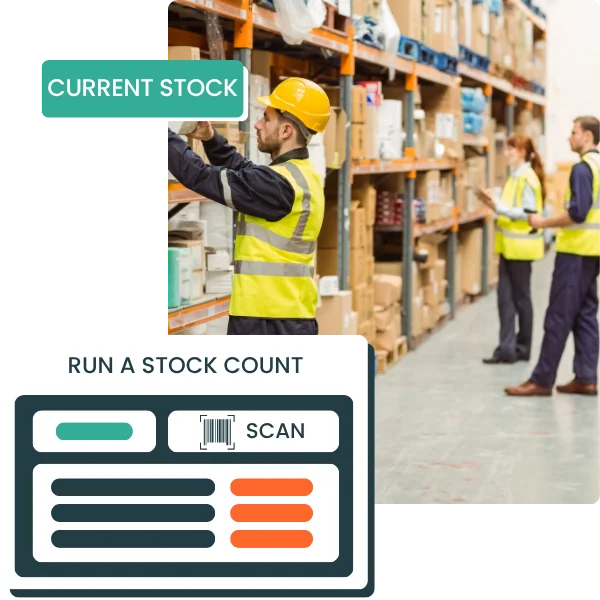
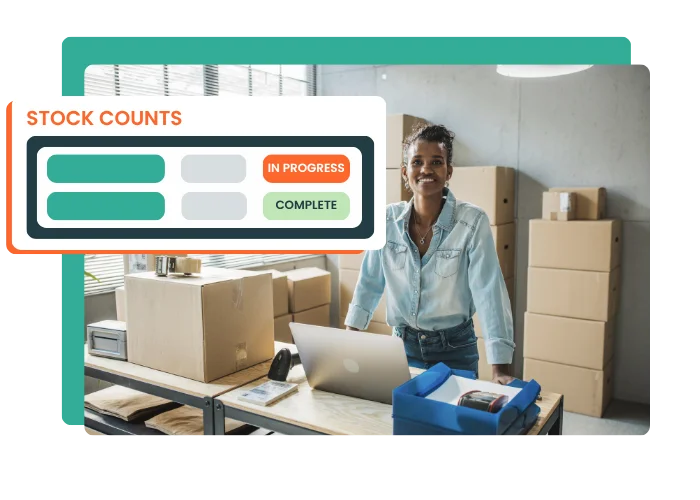
Run full or partial stock counts directly in Erplain with a barcode scanner or your smartphone. Compare your current stock with the quantities physically counted, and adjust stock discrepancies in just a few clicks.
Scan your items, enter physical count quantities, or import your stock count files to speed up the counting process.
Reduce inventory errors
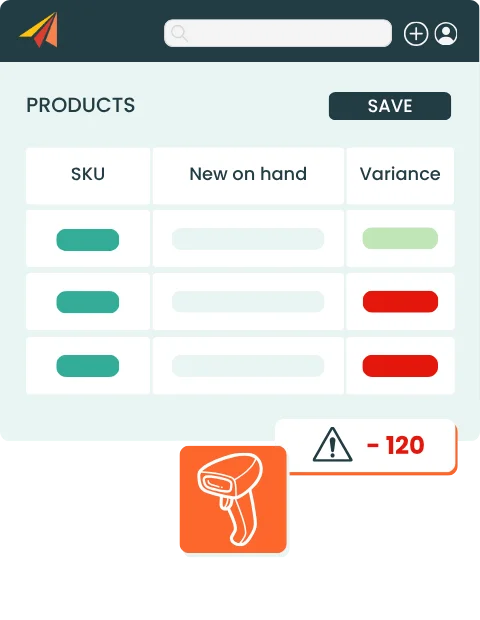
Compare theoretical quantities with the stock physically counted and quickly identify variances that need to be corrected.
Make decisions with reliable stock data
Validate your stock adjustments and update your inventory data to work with more accurate quantities every day and make faster decisions.
STOCK COUNTING
Run stock counts the way your team works
Every business has its own stocktaking process. Erplain lets you run stock counts in multiple ways, depending on your field constraints and the way your teams are organized.
check_circle
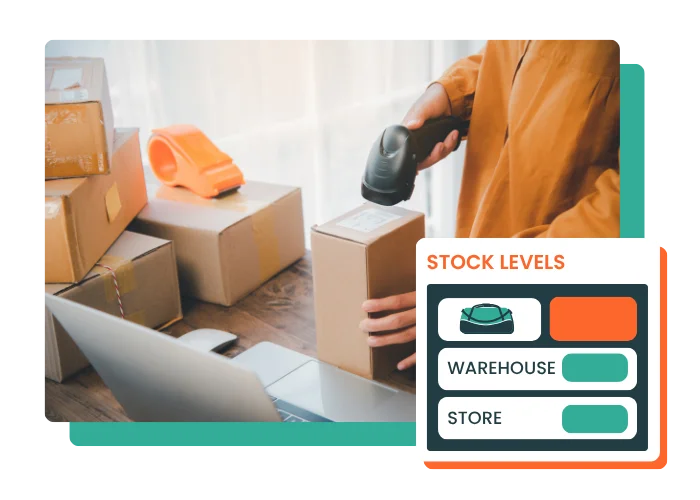
Scan barcodes with a barcode scanner or smartphone to quickly identify items
check_circle
Manually update physical count quantities to adjust part or all of your stock
check_circle
Import CSV or Excel files to update quantities from your spreadsheets
STOCK DISCREPANCIES
Compare current stock with physical count quantities
With Erplain, your stock counts start from a reliable baseline. You gain accuracy without making the control process heavier or slowing down your teams.
check_circle
Stock snapshot recorded when the stock take starts
check_circle
Comparison between current stock and physical count quantities
check_circle
Quick identification of stock discrepancies
TEAM COLLABORATION
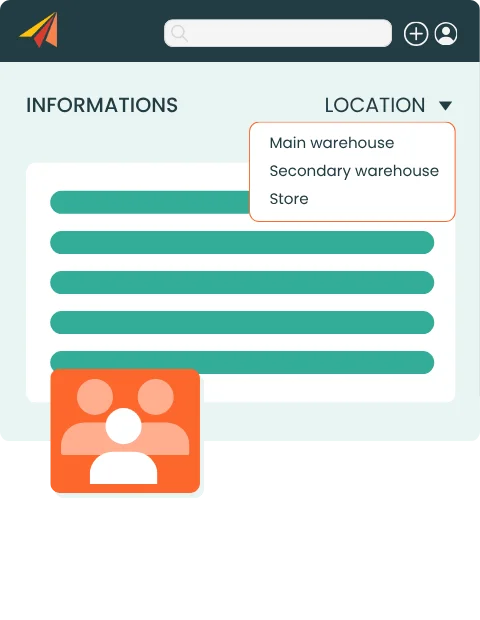
Work together on the same stock count
Your teams move faster, even with many items, multiple storage locations, or bin locations.
check_circle
Complete stock counts faster
check_circle
Improve floor team coordination with real-time synchronization
check_circle
Assign teams by area, location, or product selection
check_circle
Simplify stock count operations, even in a multi-warehouse setup
FLEXIBLE COUNTING
Start a stock take, finish it later
This flexibility lets you run stock counts without interrupting operations, especially for cycle counts or partial counts.
check_circle
Save stock counts while they are still in progress
check_circle
Stop and resume your counting later
check_circle
Finalize your stock count when your team is ready
check_circle
Reduce pressure on teams during busy periods
I can finally manage my inventory and purchases, and I save a significant amount of time. The team is very responsive and helps you set up the software.
Laura D'Anna
Co-founder of Loetma
Stock Count Software FAQ
What is stock count software?
Stock count software helps businesses manage stocktaking, compare theoretical quantities with physically counted quantities, and adjust stock variances. It helps companies keep their inventory data accurate without managing stock counts in separate spreadsheets.
Can I create a full stock count with Erplain?
Erplain lets you create a full stock count to check your entire inventory. You can compare the quantities recorded in the software with the quantities counted by your teams, then validate the required stock adjustments.
Can I run a partial stock count?
Erplain lets you create a full stock count to check your entire inventory. You can compare the quantities recorded in the software with the quantities counted by your teams, then validate the required stock adjustments.
How does Erplain manage stock discrepancies?
When a stock count is started, Erplain records a stock snapshot. The quantities physically counted are then compared with your current stock to identify variances and create the required stock adjustments.
Can I scan barcodes during a stock count?
Yes. Erplain lets you identify items using a barcode scanner or smartphone. This helps save time during physical counts and reduces item selection errors.
Can I import a stock count from Excel or CSV?
Yes. You can import CSV or Excel files to update your quantities. This method is useful if your teams work from spreadsheets or if the count is performed in an environment with limited or no internet connection.
Does Erplain support multi-warehouse stock counts?
Erplain lets you track stock across multiple warehouses and storage locations. You can organize your stock counts by warehouse, location, or product selection, depending on the way your business operates.