By clicking “Accept All Cookies”, you agree to the storing of cookies on your device to enhance site navigation, analyze site usage, and assist in our marketing efforts. View our Privacy Policy for more information.

Purchase Order Approval Process

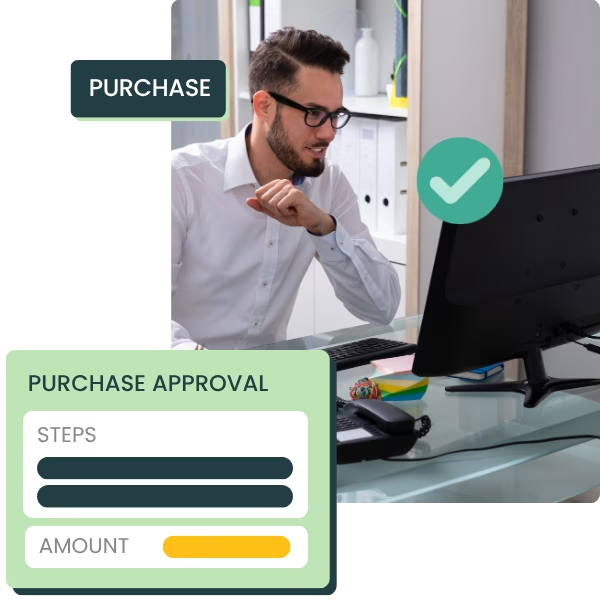
Automate purchase approvals and keep spending under control. Set up an approval workflow that fits your organization.

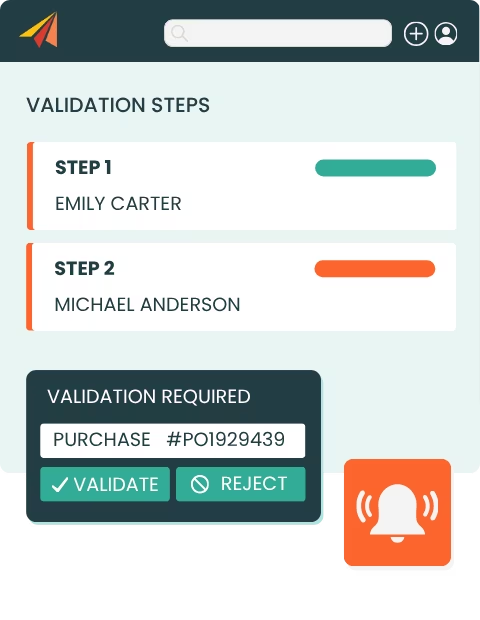
  • Automate purchase order approval
  • Set custom approval rules
  • Create multi-level approval workflows
  • Notify approvers automatically
BOOK A DEMOSTART YOUR FREE TRIAL
check_circle
Aucune carte de crédit requise
check_circle
14 jours d'essai gratuit
Set purchase approval

1,000+ SMBs have achieved growth with Erplain

Olio di Serra logo
Aremi logo
Civeco logo
Le beret francais logo
Olio di Serra logo
Aremi logo
Civeco logo
Le beret francais logo
Automatisation icon

Keep Purchasing Under Control

Maintain control over purchases and manage spending before a purchase order is sent to your supplier.

Barcode icon

Tailor the purchasing workflow to your business

Define the conditions that trigger an approval and the users who must approve orders.

Setup icon

Automate your approval process

Stop wasting time manually checking which purchase orders need approval. Erplain automatically applies the rules you set.
Validation steps

Secure your purchase orders

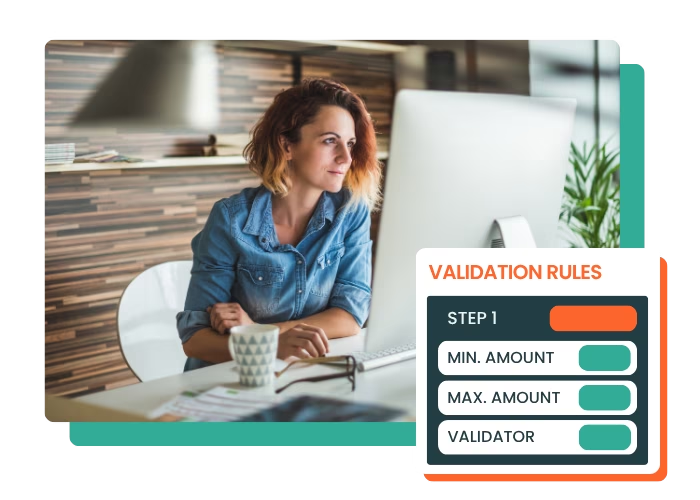
Adapt the approval workflow to the value and risk level of each purchase. Configure your own purchasing workflow with spending thresholds, users involved and multi-level approval.

  • Set minimum and maximum pending thresholds and the number of steps if needed
  • Select the users involved and approvers
  • Check orders to control spending and avoid overstock

Our customers optimize their purchasing with Erplain

Quote icon
Le logiciel me permet de gérer les dates limites de consommation et de tracer chacun des lots.
Ce processus réduit mon temps de gestion des stocks et facilite les réapprovisionnements.
Christophe
Back office manager, YOOM
Yoom photo
Quote icon
Je peux enfin gérer mes stocks, mes achats et je gagne considérablement du temps. L'équipe technique est très présente pour vous aider à mettre en place le logiciel.
Laura D'Anna
Co-fondatrice de Loetma
Photo Loetma
Quote icon
Notre spécificité est de devoir suivre des numéros de lots et des dates de péremption dans différents lieux de stock et dépôt.
Efficace, simple, intuitif, flexible... Erplain est idéal pour une TPE.
Vivien Hugues
Directeur Général, DimedCare
Dimedcare in a lab photo

Purchase order approval FAQ

What is a purchase order approval workflow?
A purchase order, or PO, is a document used to place an order with a supplier. It usually includes the products ordered, quantities, prices, supplier information, and purchasing terms.
Why set up a purchase approval process?
An approval process gives you better control over spending, limits unauthorized purchases and makes everyone involved more accountable.
How does the approval workflow work in Erplain?
You define one or more approval rules based on order amounts and the users involved. You can then set up several steps and several approvers. When an order matches the defined criteria, the relevant users are notified automatically and can approve or reject it.
Can approval depend on the order amount?
Yes. Erplain lets you set minimum and maximum amounts that trigger an approval rule. You can therefore adapt the level of approval to the amount of each purchase order.
Can I set up several approval levels?
Yes. You can create several approval steps and assign different approvers to each one. Orders then follow the approval workflow defined by your company.

For more information about Erplain, please visit our Help Center or send us a message.

Discover All Our Features

Inventory logoB2B Store logoAnalytics logoPurchase logoBarcode icon

And app integrations

Intuit QuickBooks logo2020INC logoThe Paak logo

Try Erplain for free

Make better business decisions with real-time insights into your sales, purchases, and inventory.
Start FREE Trial
check_circle
No credit card required
check_circle
Without commitment
time icon
Save time, drive efficiency
Collaboration icon
Collaborate with your team
star icon
Improve customer satisfaction
support icon
Get expert assistance from our product team
lock icon
Keep your data safe and secured